Adding Rotations
Rotations can be added to keyframes to show all sides of an object in an animated sequence. The direction of the rotation, as well as the sweep angle, are selectable in the Rotation Options dialog, which is shown below.
Rotation Options dialog
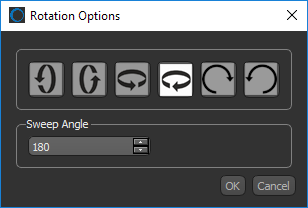
 How to Add a Rotation
- Select the keyframe that you want to add a rotation to.
- Click the Rotate button, as shown below.

The Rotation Options dialog appears.
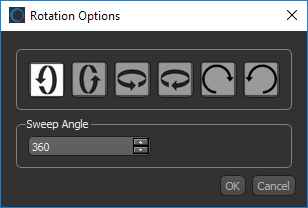
- Choose a rotation direction, as well as a sweep angle, in the Rotation Options dialog.
- Click the OK button to create the rotation sequence.
Note A small indicator appears at the bottom right of the keyframes that are linked by the rotation, as shown below.
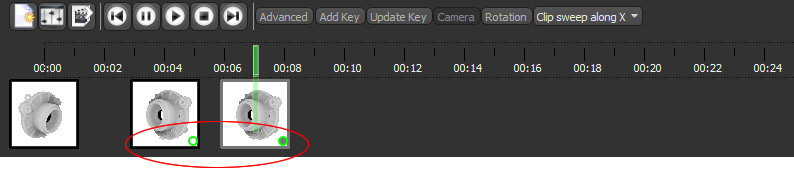
- Preview your changes to the animated sequence (see Previewing Animated Sequences).


